Skip to content

How it works

From your phone to four portraits, by hand.

Pay $5, take a few photos, choose a background, submit. Within 24 hours of your submission an editor delivers four full-resolution, print-ready portraits.

Founding beta: every set is manually finished and delivered within 24 hours after you submit your photos.

The whole process

  1. 01

    Buy the set

    One product, $5.00, one time. You get an email with a private link to your order. No password, no account to manage.

  2. 02

    Read the capture guide

    Five short steps with diagrams: light, background, camera, framing, expressions. About two minutes to read.

  3. 03

    Take or choose 3 to 8 photos

    Use your camera roll or our in-page camera. Photos are cleaned of location data on your phone before upload.

  4. 04

    Choose one background

    Traditional blue, soft gray, warm taupe, deep slate, light neutral, or autumn canvas. Change your mind any time before submitting.

  5. 05

    Submit

    Your 24-hour clock starts here. You'll get a confirmation email with the promised delivery time.

  6. 06

    Download four portraits

    We email you when they're ready. Download individually or all at once. Files stay available for 30 days.

Capture guide

Five steps to a portrait-worthy photo.

Step 1

Soft window light

Face your child toward a large window.

  • Turn your child to face a big window during the day.
  • Skip direct sun and harsh overhead lights — soft, even light is what we want.
  • If one side of the face is much darker, move a little closer to the window.
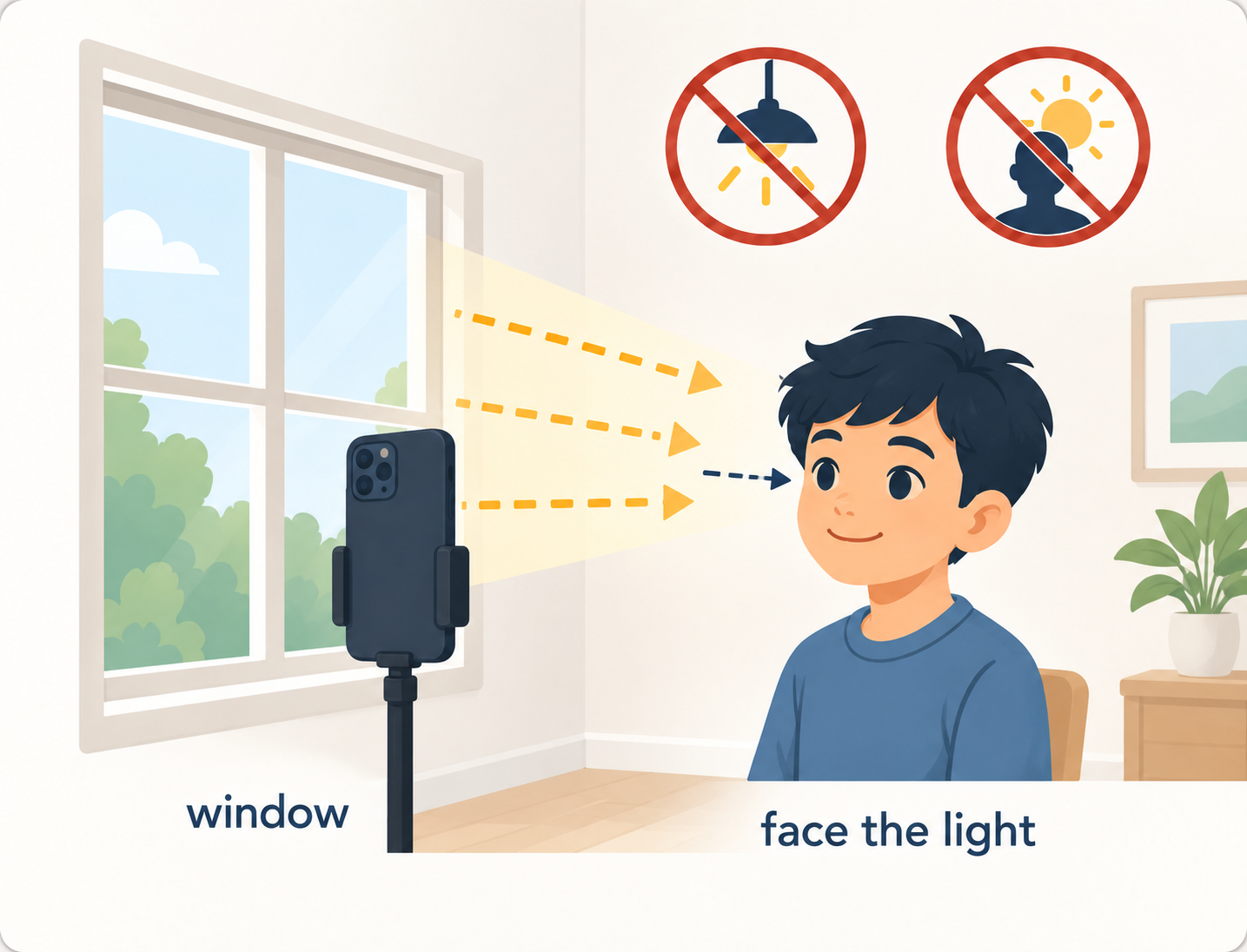
Child facing a window for soft daylight, with direct sun and overhead lighting crossed out
Step 2

Simple background

A plain wall or a hanging sheet works best.

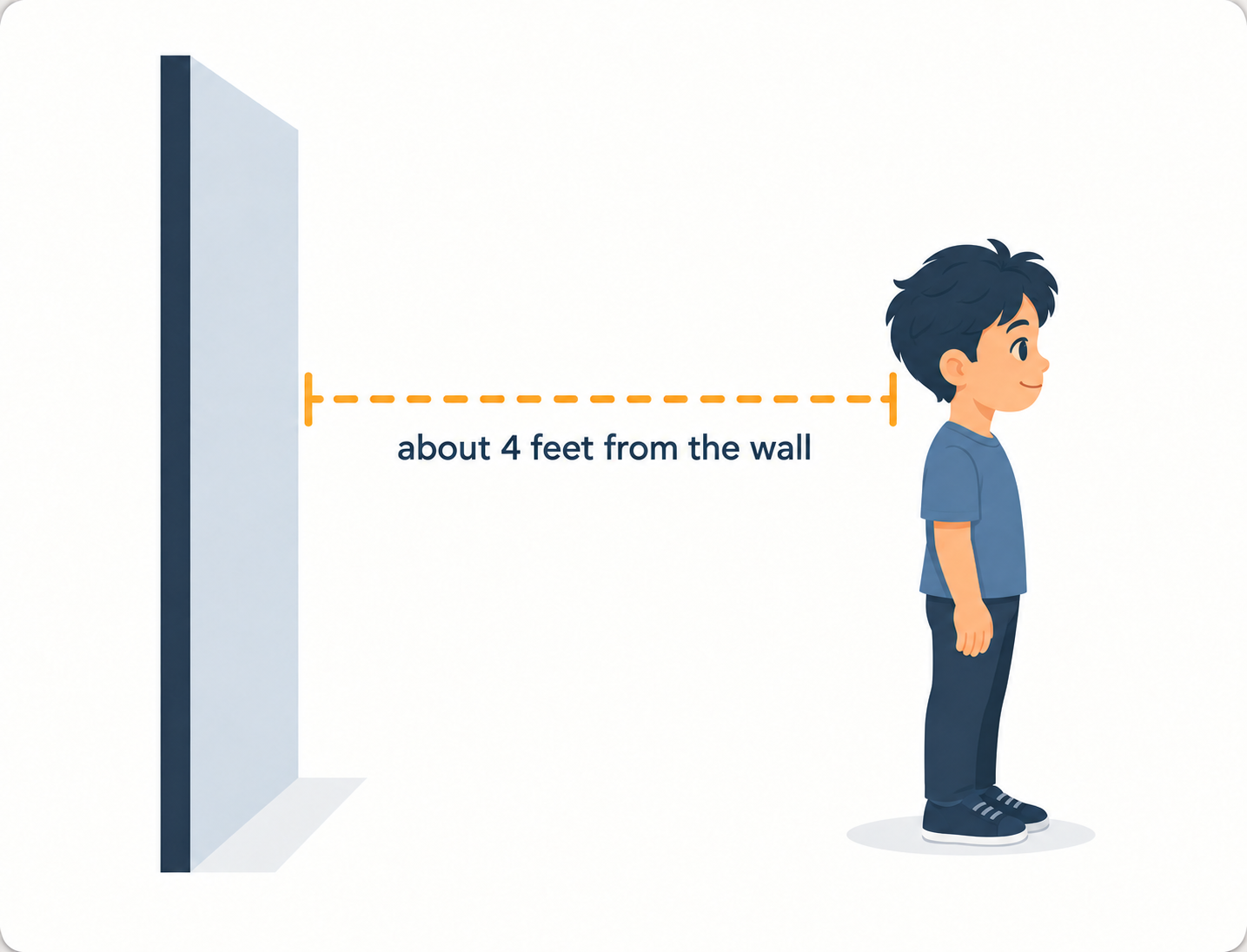
  • Stand or sit your child about four feet in front of a plain wall or a hung sheet.
  • Any solid color is fine — we swap the background for the style you choose.
  • Clear away objects behind the head and shoulders when you can.
Child standing about four feet in front of a plain wall
Step 3

Camera basics

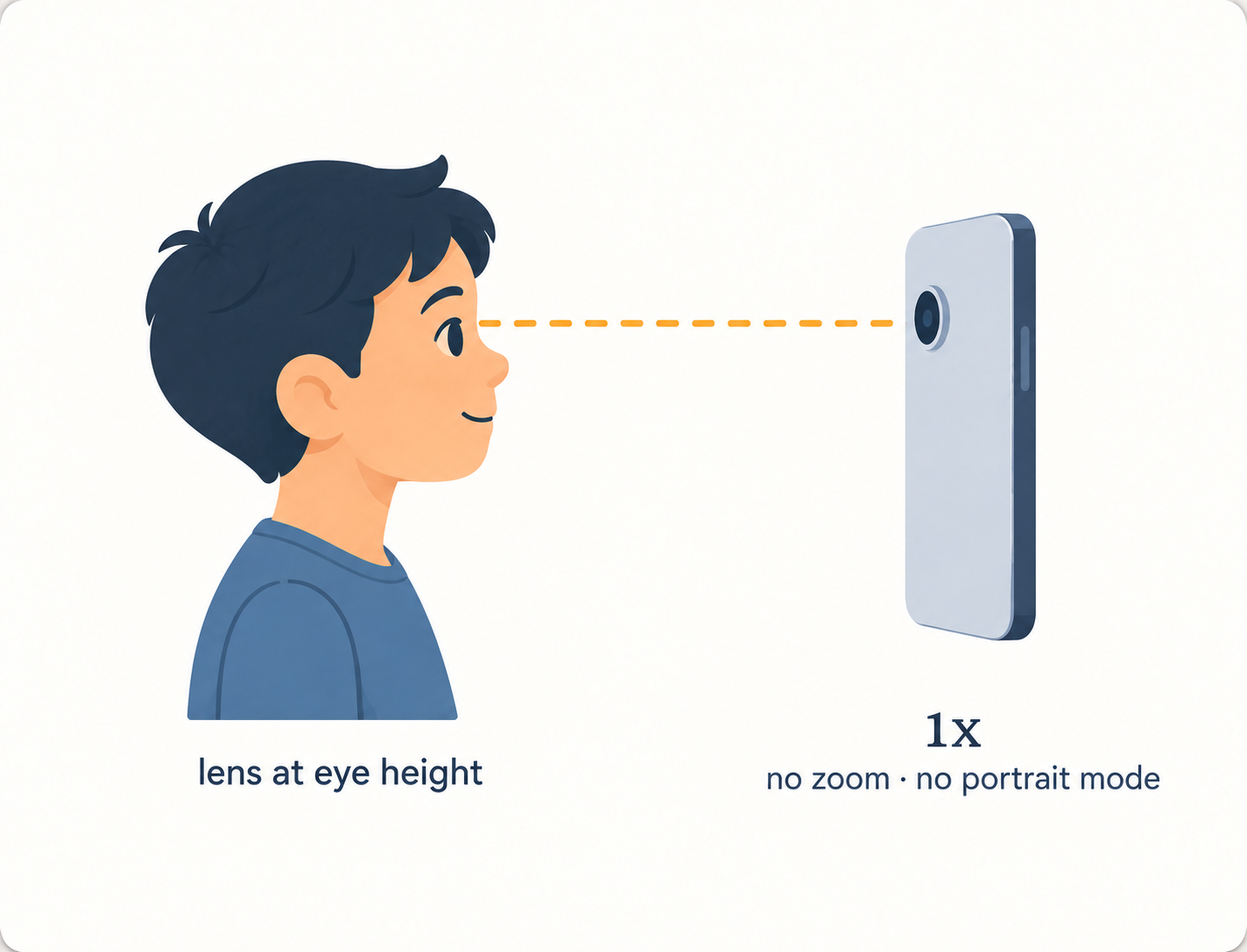
Regular 1x lens, chest to eye height, clean lens.

  • Use the normal 1x camera, not wide-angle and not zoomed in.
  • Hold the phone at your child's chest-to-eye height, a step or two back.
  • Wipe the lens first. Turn off Portrait mode — its blur can eat hair edges.
Phone at the child's eye height using the normal 1x lens without portrait mode
Step 4

Framing

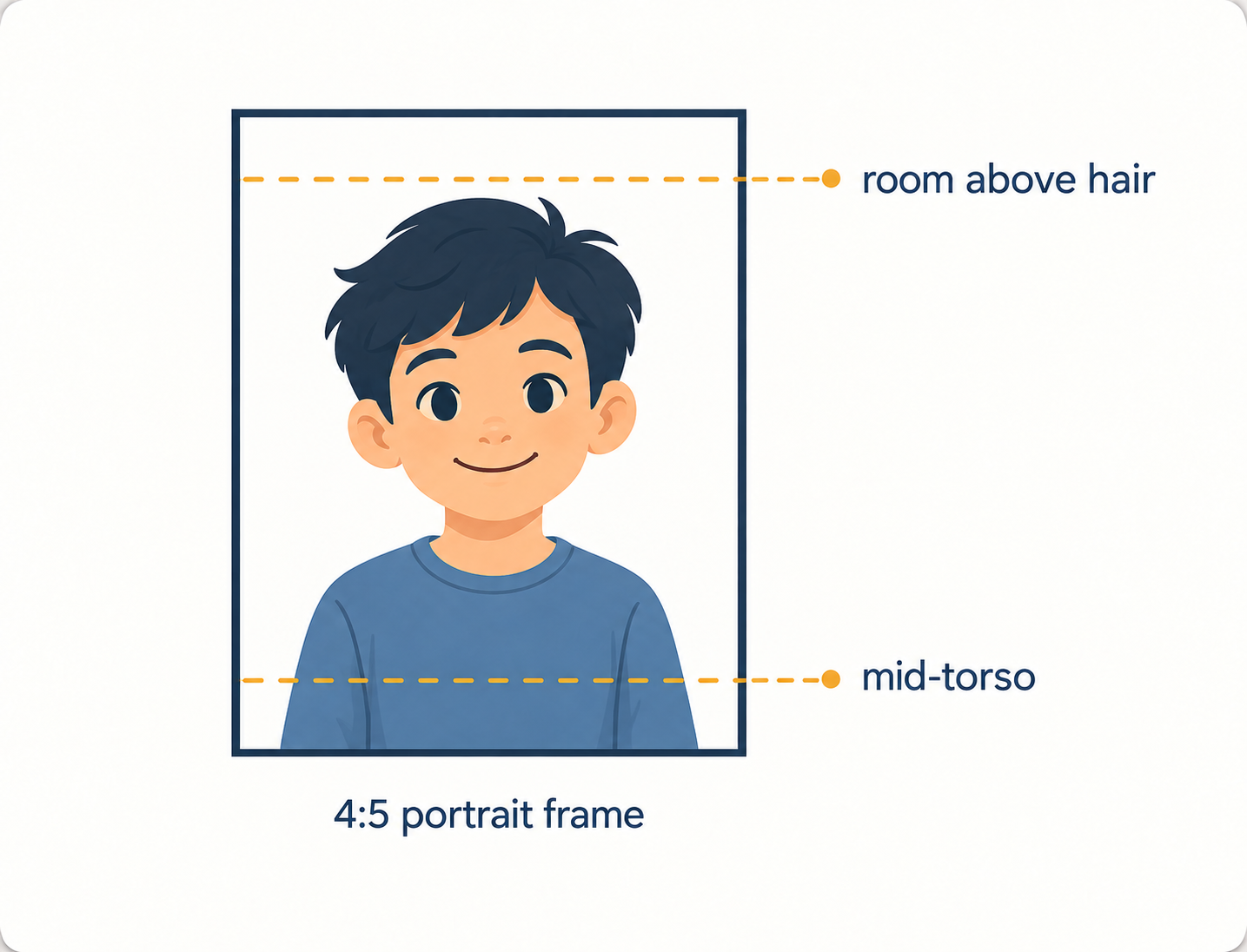
Top of head through mid-torso, with room around the hair and shoulders.

  • Frame from just above the hair down to about mid-torso.
  • Leave a little space around the hair and on both sides of the shoulders.
  • Please don't crop at the elbows — a bit more room is better than too little.
Portrait framed with room above the hair and the child visible through mid-torso
Step 5

Five expressions

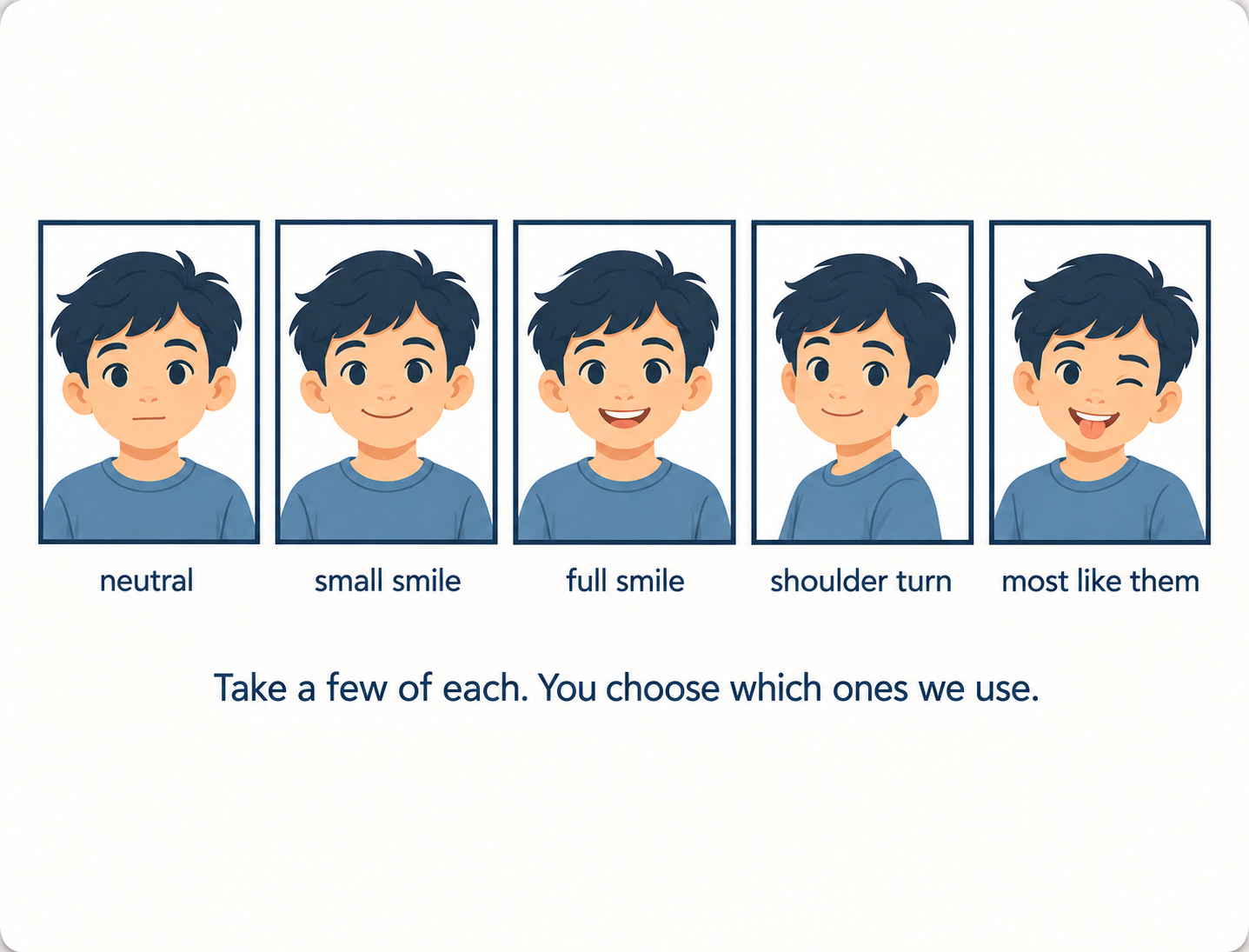
A few options so you can pick the ones that feel most like them.

  • Neutral, relaxed face.
  • Small smile.
  • Full smile.
  • A slight turn of the shoulders with the face still toward the camera.
  • One that looks most like them — whatever that is.
Five portrait examples showing neutral, small smile, full smile, shoulder turn, and most like them

What you receive

Four files, ready to print.

  • Four JPEG portraits in the classic 4:5 school-portrait frame, at least 2400 x 3000 pixels.
  • Personal printing rights: print at home, at a photo counter, or with any online printer.
  • Your child's face is never generated, reshaped, or retouched.
  • One free correction within 48 hours if something isn't right.
Print size guide
SizeRatioNote
4 x 6 in2:3Slight crop from the 4:5 portrait frame.
5 x 7 in5:7Very close to the delivered frame.
8 x 10 in4:5Exact match — no crop needed.

Ready when you are.